 checkmyvibecode.com
checkmyvibecode.com
checkmyvibecode.com
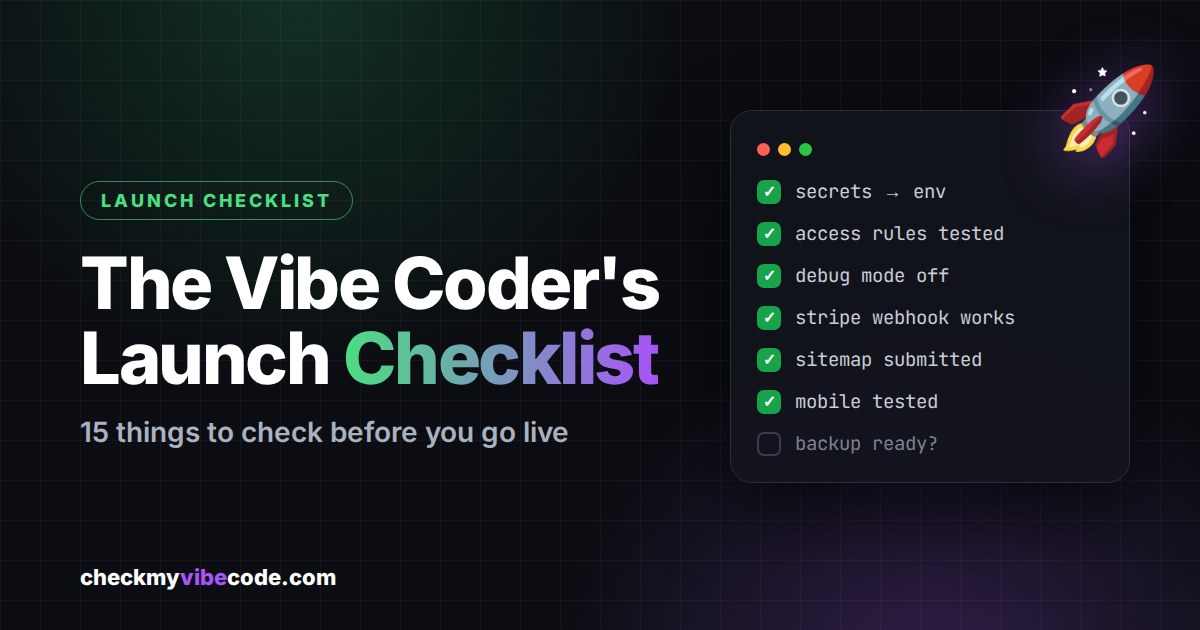
You built something with AI. It works on your machine, the demo looks great, and you're one click away from sharing it with the world. Before you hit that button, take 30 minutes and go through this checklist.
I put it together after launching CheckMyVibeCode and making a few of these mistakes myself. Every point here is something that's easy to miss when an AI writes most of your code, and painful to fix after real users show up.
Search your project for key, secret, token and password. Every API key belongs in environment variables or your platform's secrets manager, never in a file. If a key was ever exposed, rotate it. Deleting it from the file isn't enough, because it may still sit in your git history.
Anything in the browser can be read by anyone. Admin-level keys (like a Supabase service role key) must only live on your server.
Log in as one user and try to open another user's data. If you can, your users can too. Enforce permissions on the server or in the database (for example Row Level Security), not just in the UI.
Debug mode in production can leak error details and internal information. Turn it off and show users a friendly error page instead.
Every /admin page needs a login and a role check. Bots will try that URL within days of your launch.
For a deeper dive, read our guide: Is Your Vibe-Coded App Secure? 7 Mistakes AI Builders Make.
Never let the browser tell your backend what something costs. Your server should look up the price itself.
If you use Stripe, make a test purchase in test mode and check that your database updates correctly. Then try a cancelled subscription and a failed payment. Most payment bugs hide in these edge cases.
Show the price, billing interval, renewal and how to cancel right next to the buy button. Users trust you more, and in many countries it's legally required.
Check that your main pages have a unique <title> and meta description. This is what people see on Google.
Paste your URL into a chat or social post and check the preview. Set Open Graph tags (og:title, og:description, og:image) so your link doesn't show up as a blank box.
Create a sitemap.xml, check your robots.txt isn't blocking everything, and submit your sitemap in Google Search Console. It can take days or weeks to get indexed, so do it on launch day.
If you collect emails, logins or payments, you need a privacy policy. Terms of service protect you too. If you're in Germany or the EU, you'll also need an imprint (Impressum) and must check GDPR basics, like self-hosting fonts and asking for cookie consent when you use tracking. This isn't legal advice, so when in doubt, ask a professional.
Open every main page on your phone. AI-generated layouts often look perfect on desktop and break on small screens. Most of your launch traffic will come from mobile.
Set up basic error logging or alerts so you know when something breaks. Finding out from an angry user is the worst way.
Push your code to a private Git repository and make sure your database has backups. If something goes wrong on launch day, you want a way back.
Paste this into Claude, Cursor or whatever tool you build with:
Go through my project and check it against this launch checklist: secrets in code, admin keys in the frontend, missing access rules, debug mode, unprotected admin routes, client-side prices, Stripe webhook handling, subscription terms, page titles and meta descriptions, Open Graph tags, sitemap and robots.txt, privacy policy and terms, mobile layout issues, error logging and backups. For each point, tell me if it's done, missing or risky, with file names. Don't change anything yet.
Once you've checked everything, show the world what you built. Submit your project on CheckMyVibeCode, get upvotes and real feedback from other builders, and get a backlink to your project on launch day.